
Talk to your AI agent: the ultimate vibe coding
Episode #46: How voice-to-text unlocks a faster, smarter way to work with AI

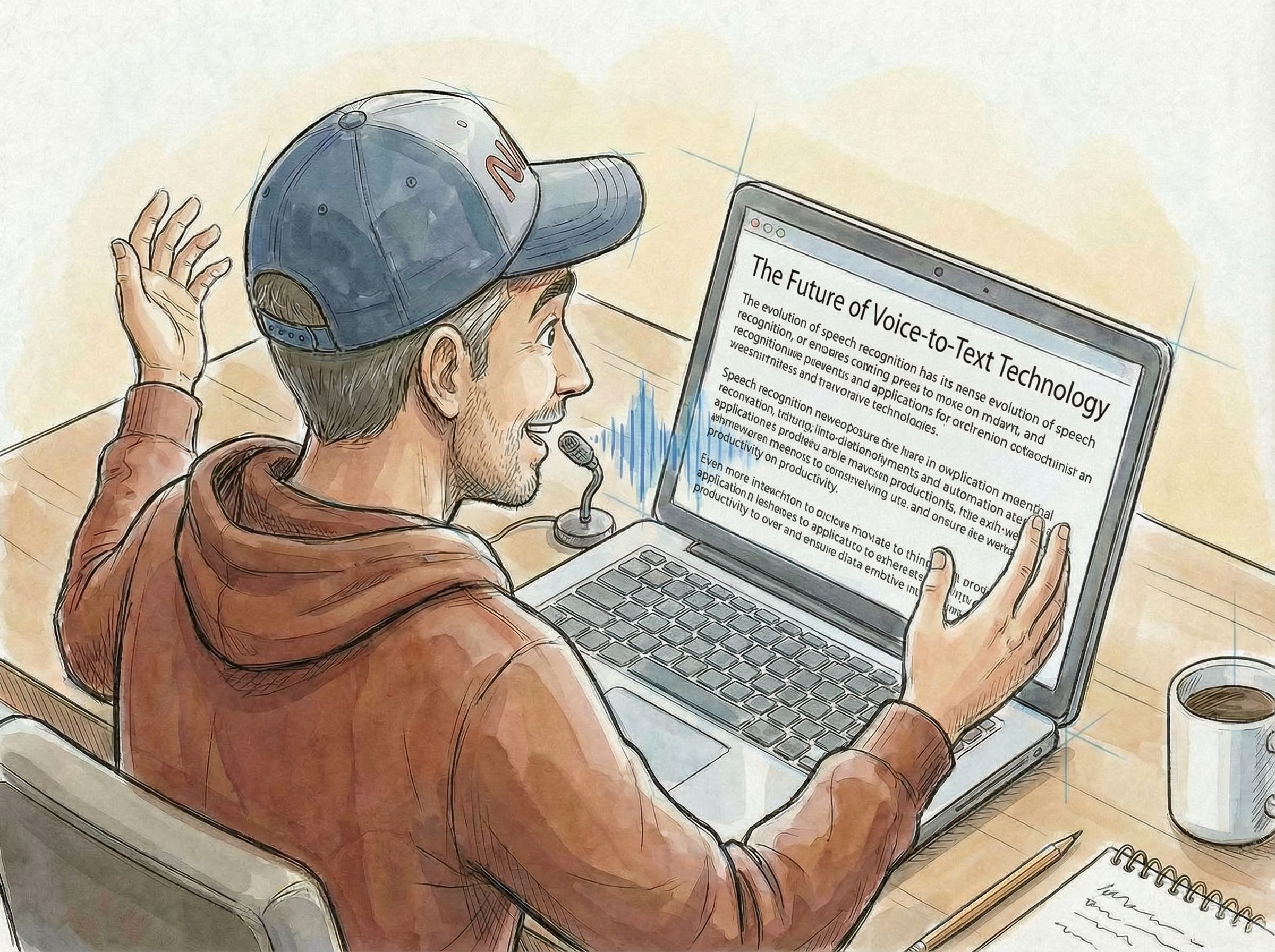
When you are too lazy to type your prompts, use your voice instead.
Jokes aside, you don’t have to be lazy to benefit from this article. You just need to be smart enough to recognise that even seemingly silly suggestions, like using your voice instead of typing, can make a massive difference in your career over time. These things compound.
Once you realise you can speak to your agent instead of typing, regular typing feels like you’ve been using only 10% of your brain.
Why does voice work so well for vibe coding?
Because you’re not dictating code. Typing code requires precision—brackets, punctuation, indentation, whitespace—all the things your voice struggles to convey.
But speaking conversational prompts to an AI agent that’s designed to handle imperfect input? That’s a completely different game. The agent filters out your “umms” and pauses. It corrects your spelling. It catches the meaning of what you’re saying even when you’re rambling or going into too much detail.
In this article, I’ll share a personal story that connects you to my grandfather 30 years ago. I’ll show you why small daily improvements compound into real career gains. And I’ll give you the exact setup that works, even in a noisy office.
Beyond AI interaction
Voice-to-text isn’t just for vibe coding either.
I voice-typed notes for this article in about half an hour. Normally, writing those notes down by typing would’ve easily taken me a couple of hours. That’s not a small difference.
The reason? When you use your voice, your thoughts flow naturally. You’re not slowed down by your fingers trying to keep up with your brain. And that matters more than you’d think. Because the moment you slow down, you lose momentum. You lose your train of thought. You start second-guessing yourself instead of just getting the ideas out.
With voice, you just... talk. The ideas stay fresh. The momentum keeps going.
And here’s the real magic: you’re not staring at a blank page anymore. You’ve got rough notes to work with. Something tangible to mould into a full article.
It takes some practice, but once you’ve done it for a while, it feels like talking to a colleague.
You’d be surprised how much you can accomplish just by whispering to your AI agent.
Personal story: Full circle after 30 years
I remember my grandad in 1997 (when I was 13 and he was 69). He was looking up articles on Encarta Enciclopedia, burning CDs with Nero Burning ROM, and reading passages aloud from Pinocchio to train Dragon NaturallySpeaking to understand his voice so he could dictate text to his computer.
I’m sharing this because I'm using AI to convert my speech to text. Just like my grandfather did more than 30 years ago.
No time seems to have passed, except that now I use my voice to interact with an AI that actually understands me.
Small improvements compound: Typing with 10 fingers
I learned to touch-type more than 15 years ago.
When someone at the university suggested that using all ten fingers was a must.
How would that actually make me a better engineer?
I thought about it, decided it was worth a shot, and started training. Honestly, it took me probably a couple of months to get it right. It was boring. There was a program that asked me to type the same letter combinations repeatedly. It seemed pointless.
But you know what? It paid massive dividends over time.
The same lesson: Typing with no fingers
A month ago, a colleague suggested I use my voice to type text into my laptop. My first thought?
That’s silly. It’ll be slow. It’ll be uncomfortable. I’ll feel awkward talking to my laptop at work.
Plus, I was already quite fast at typing. Why would I need this?
Then I saw the same colleague using voice-to-text at his desk.
Something clicked.
It was the same feeling I had when someone first suggested touch-typing. I realized it was worth the time investment to give it a genuine try.
The 1% better every day principle
Both touch-typing and voice-to-text are perfect examples of how getting 1% better every day compounds into real change.
This reminds me of the book Atomic Habits by James Clear.
I have a terrible memory, so I rarely remember passages from books, but one specific story from it stuck with me: the UK cycling team.
They were really struggling until they changed coaches. The new coach implemented a radical strategy: improve everything by 1% every single day. They didn’t focus on massive changes. Instead, they worked on tiny things. Better tyre grips. Washing hands to avoid the flu. Hundreds of small improvements that individually seemed pointless.
Together? They compounded into something massive. That cycling team went from underperforming to consistently winning gold medals at the Olympics.
If you want to dive deeper into this concept, James Clear (author of Atomic Habits) has a great breakdown on marginal gains.
I think about this principle all the time.
Using voice-to-text or mastering touch-typing, these are the kinds of silly things you can do that have massive effects over 5, 10, or 15 years.
Every mentorship session I have now, I tell people: find that 1%.
What makes you 1% better every day?
It could be voice-to-text, touch-typing, or something completely different. But get better every day.
My voice-to-text setup
I was sceptical about using a microphone at work. Our office is shared with hundreds of others and has background noise from the heating units. But honestly? It works really well.
I can whisper into my microphone (positioned right in front of me), and it captures everything. I don’t have to shout or bother my colleagues. I just whisper, and it works.
I’m using an app called MacWhisper (available on Gumroad). Here’s how it works:
The app runs in the background. When you press a specific key combination, it captures your speech and converts it to text using a speech-to-text model running locally on your machine. You can choose from different models depending on your needs and hardware. I’m using “Large Turbo v3” on my M1 MacBook, but you have a range of model options.
After the initial transcription, there’s an optional second step where you can customise the text cleanup. You can use another model (either running locally in Ollama or through an online AI service) to refine your dictation. You can customise the prompt to handle tasks such as removing pauses, correcting spelling, or restructuring your text.
MacWhisper already provides some cleanup prompts, but you can customise them. If you always mispronounce a word, add it to the prompt. If you need specific spelling corrections, add instructions. I honestly haven’t explored 10% of this app’s features yet, but what I’ve seen convinced me to upgrade from the free version to the paid version for access to additional features.
MacWhisper isn’t the only option. Flow is more famous, but it’s subscription-based. Since I’m already overwhelmed with subscriptions, I prefer MacWhisper’s one-time purchase model with a lifetime license.
Why this matters: It started with my manager
I need to credit my manager at Loveholidays for introducing me to MacWhisper. He was using it at his desk, which inspired me to try it. Since then, I’ve invested in a professional podcaster microphone for home and set up the same system at work.
Now we both sit at our desks facing each other, both whispering into our laptops. A couple of colleagues have asked about my setup and how I’m using voice to interact with AI. That’s the main reason I’m writing this article. I wanted to share what I’ve learned.
Thank you to my manager for introducing me to voice-to-text, and to my curious colleagues for pushing me to document this.
Conclusion
This article is about recognising that small improvements compound. Find your 1%. It could be voice-to-text, touch-typing, or something completely different. But once you commit to getting 1% better every day, you’re in the same league as that UK cycling team that went from struggling to winning gold medals.
The best part? Once you’ve done it for a while, it feels as natural as talking to a colleague. You’ll wonder how you ever lived without it.
If you’re interested in trying this, start small. Whisper one prompt to your AI agent today. Better yet, tell someone about what you’re learning. My boss showed me. My colleagues asked me questions. That’s how these things spread.
What’s your 1%? What small thing could you do every day that would compound into something massive over 5, 10, or 15 years?
Drop a comment or reach out on LinkedIn.
I’m genuinely curious what you’re working on.
References
Atomic Habits: Tiny Changes, Remarkable Results by James Clear - The foundational book on how small daily improvements compound into remarkable results
Marginal Gains: The Coach Who Improved Every Tiny Thing by 1 Percent - James Clear’s article on the UK cycling team’s success through incremental improvements
Mac Whisper - Speech-to-text application for macOS with local Whisper V3 Turbo model and customizable post-processing
Flow by Wispr - Alternative voice-to-text application with subscription-based pricing
Ollama - Run large language models locally for text cleanup and post-processing
Yeah this is a game changer
I absolutely love talk to text. I worked in the defense industry for 20+ years. We used it years ago. Now AI has made it faster and so much more fun.